Insert coin · iPhone

Level up your
retro screenshots.

Pixel a Go-Go! rescues your Game Boy, NES, SNES, and modern handheld captures from blurry stretching — and gives them the crisp, oversized, gloriously retro glow-up they deserve.

  • ✦ 100% on-device
  • ✦ No account
  • ✦ Pixel-perfect

Insert screenshot

See it in action.

Straight from the App Store — swipe through the real thing.

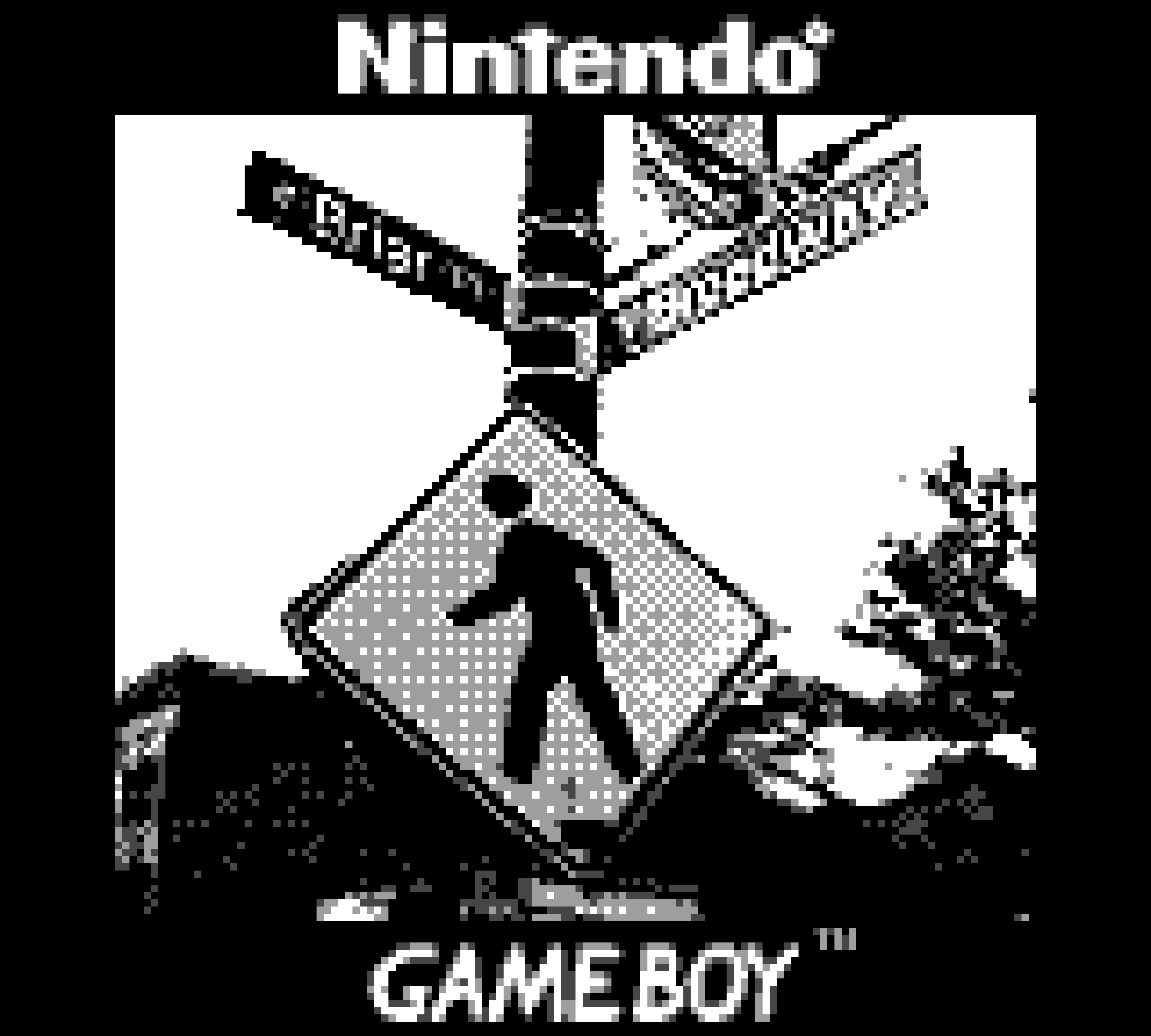
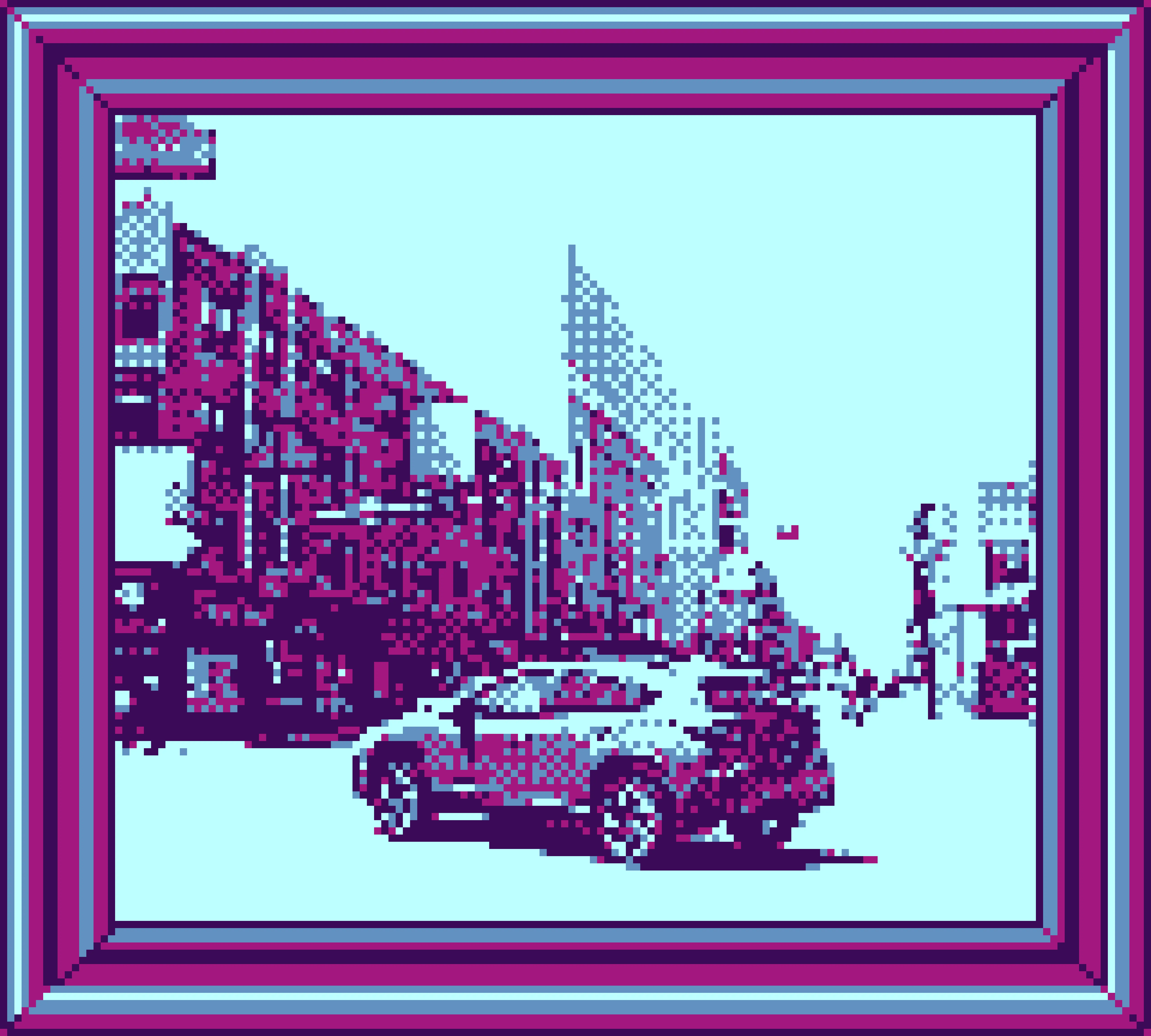
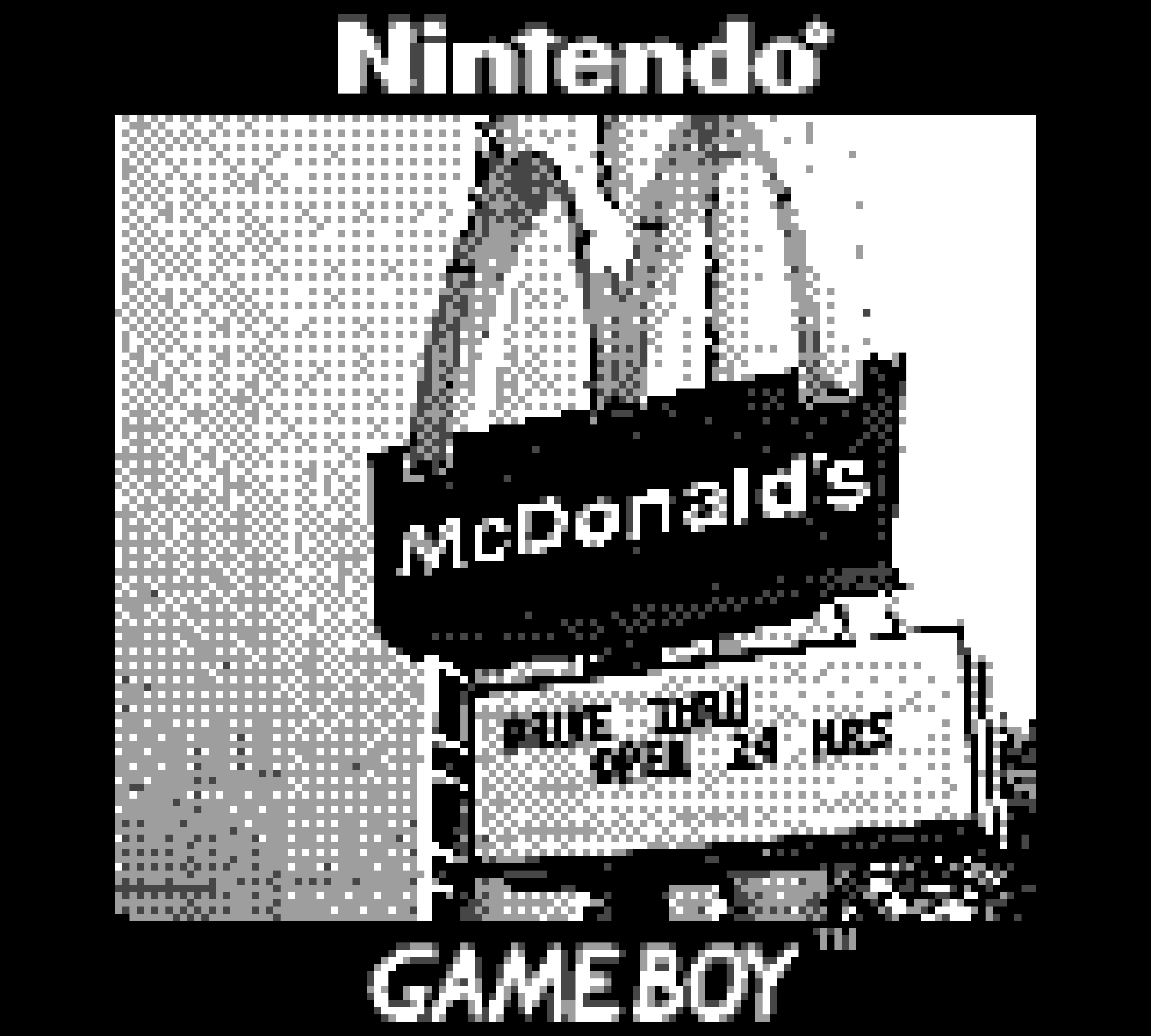
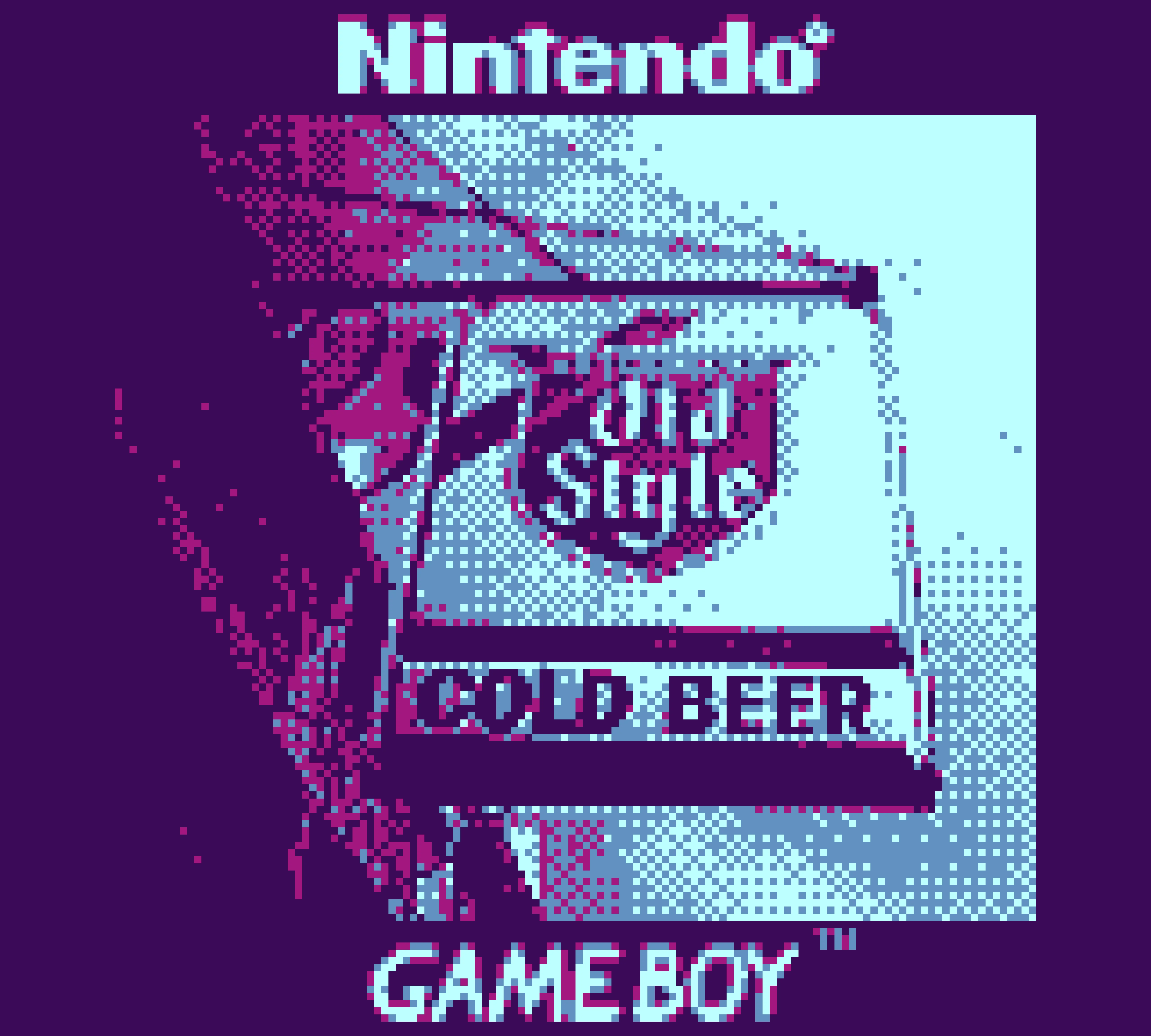
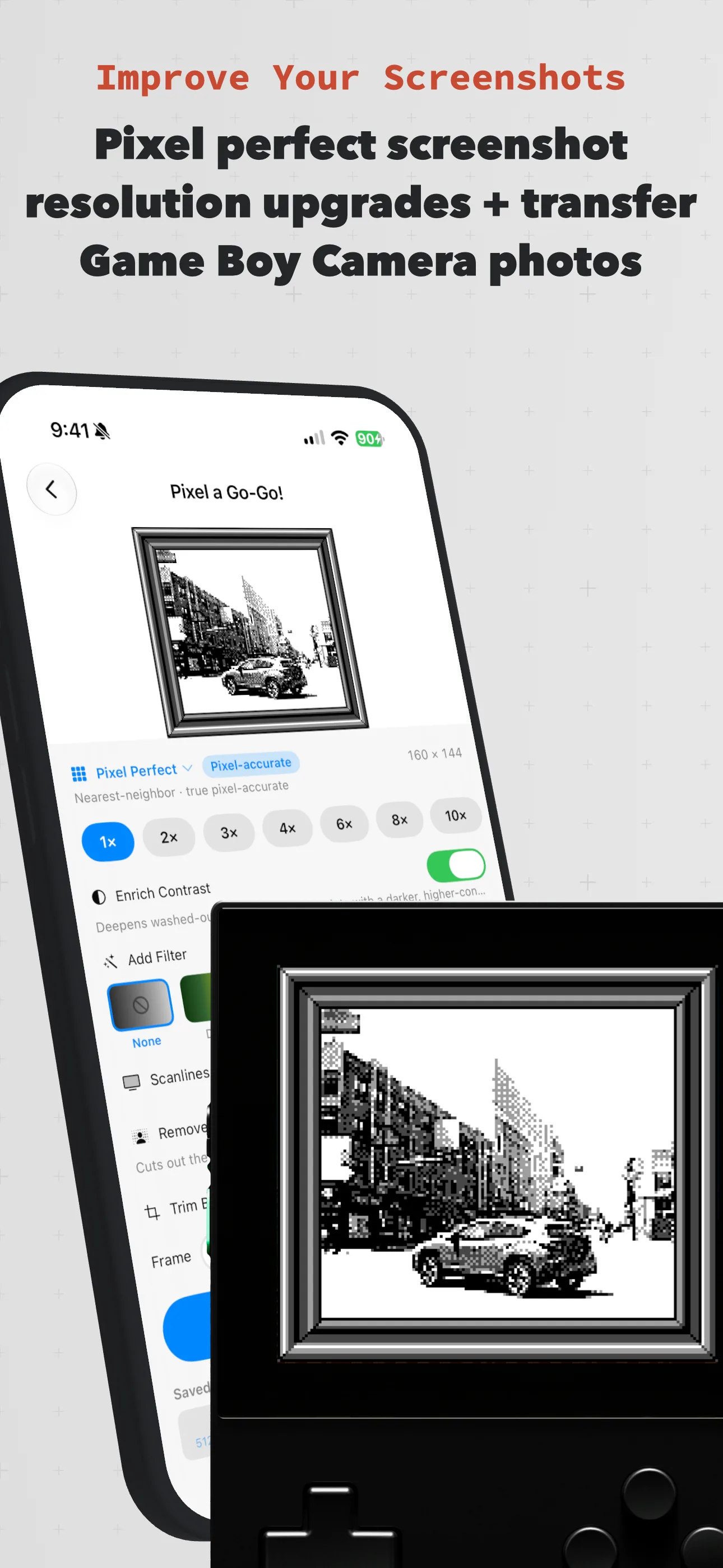
Pixel a Go-Go! upscaling a Game Boy Camera photo to a pixel-perfect, high-resolution image.
Pixel-perfect resolution upscales
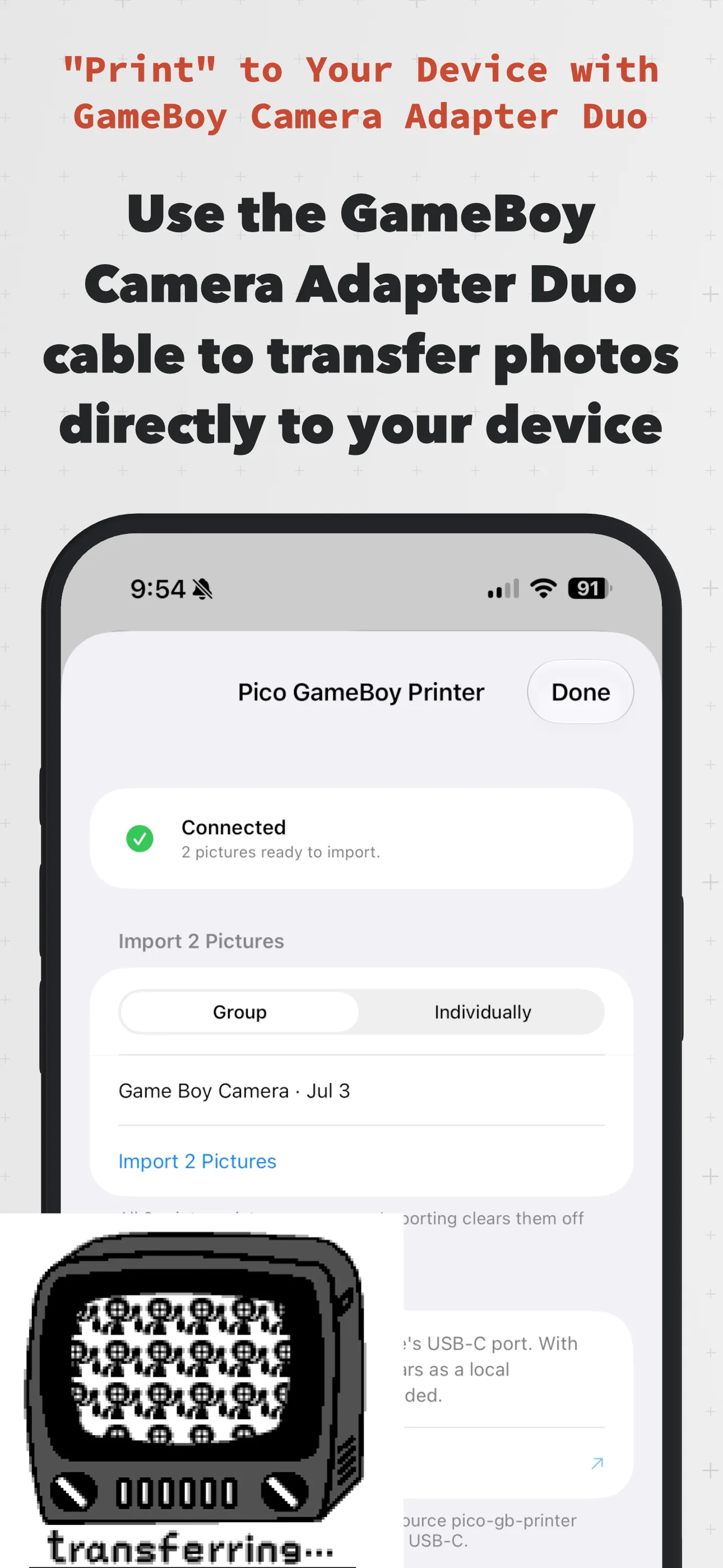
Importing photos over USB-C with the Game Boy Camera Adapter Duo.
Transfer Game Boy Camera photos
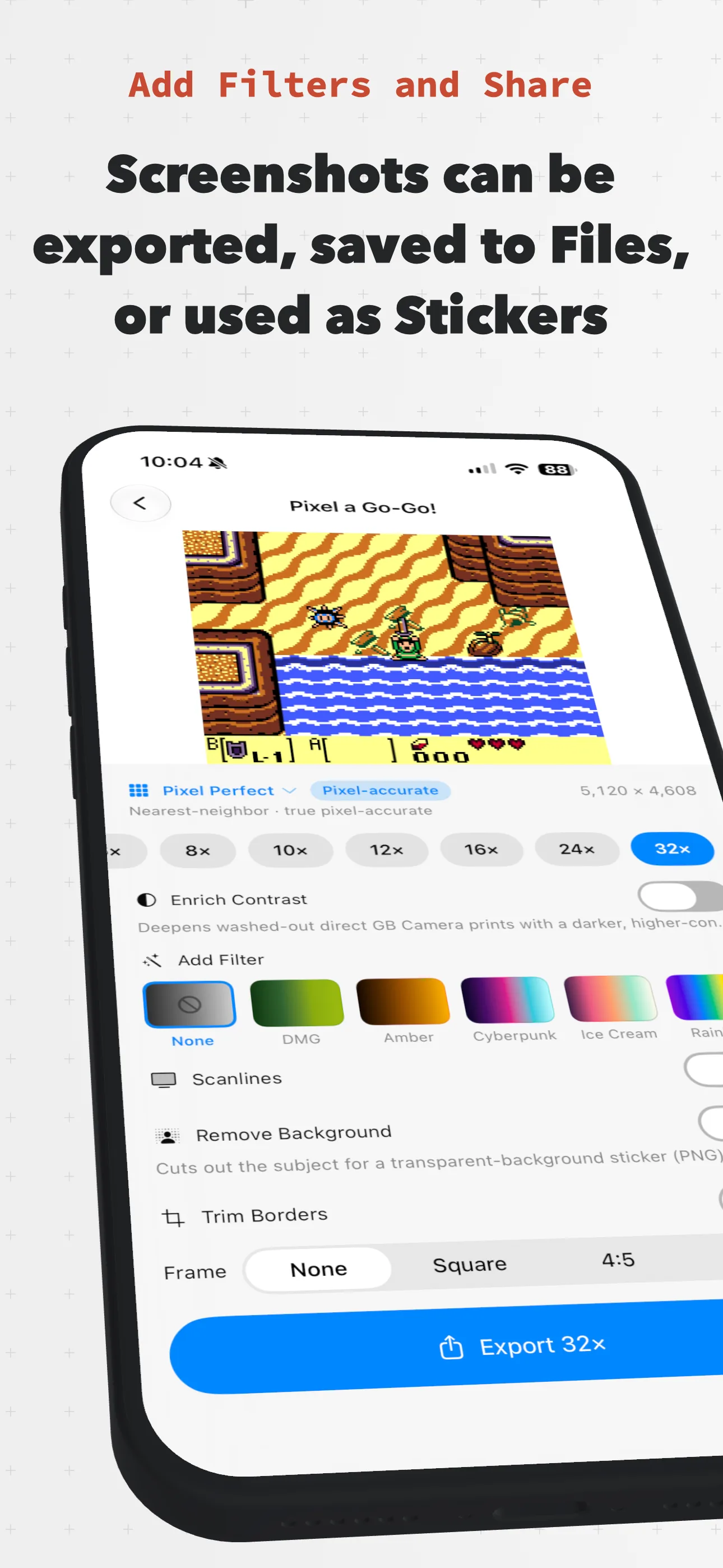
The editor showing upscale multipliers, retro filters, scanlines, and export options.
Upscale, filter, and export
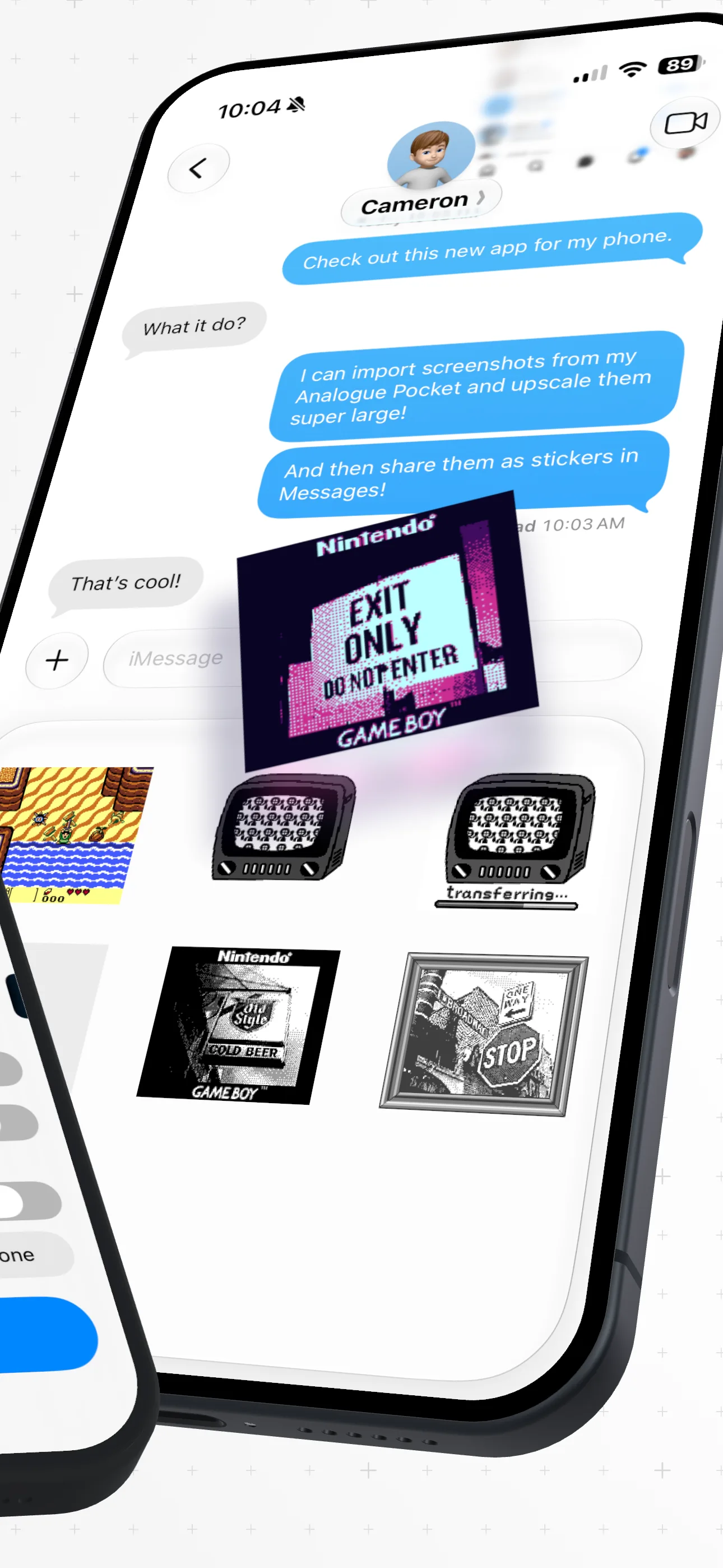
Sending upscaled retro screenshots as stickers in a Messages conversation.
Share anywhere as stickers
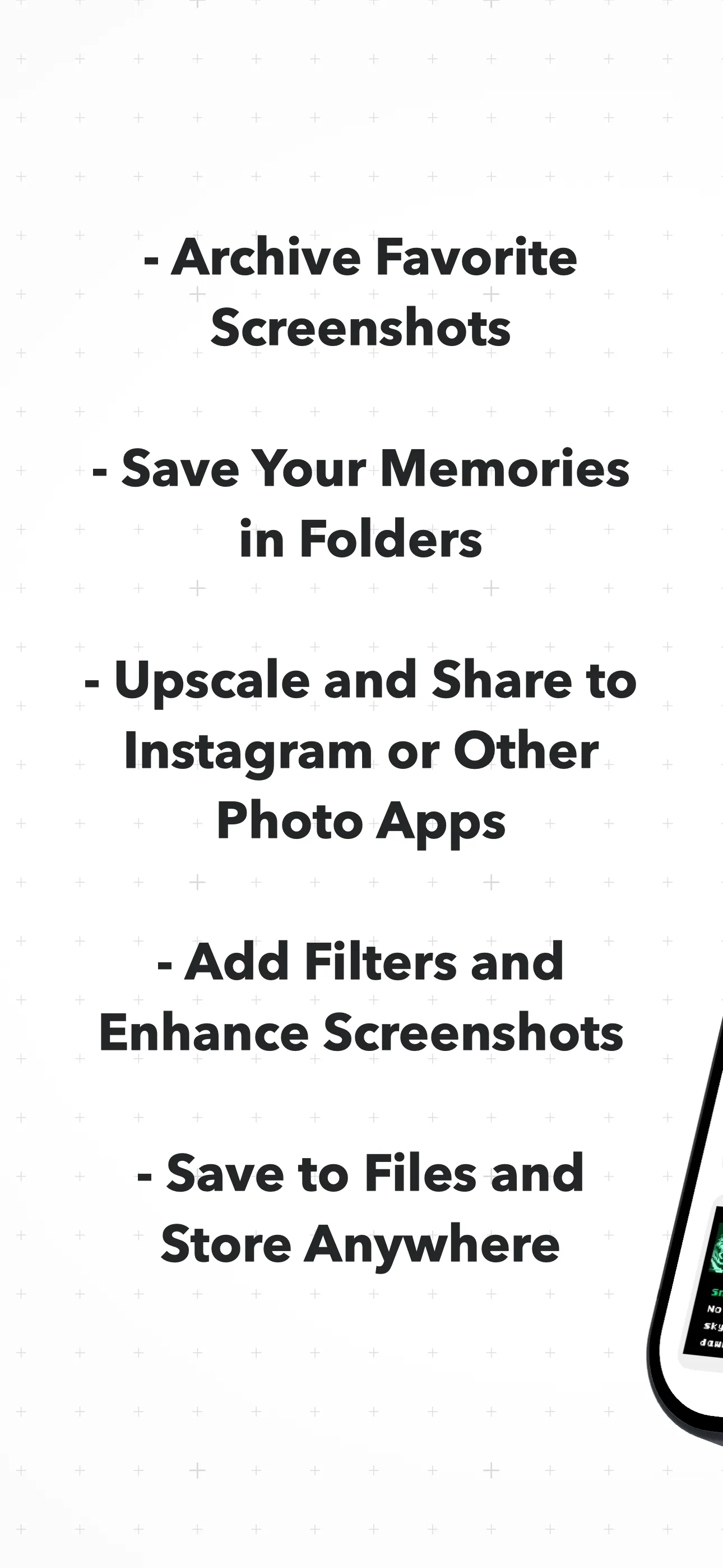
Feature list: archive favorites, save memories in folders, upscale and share, add filters, save to Files.
Archive, organize, enhance
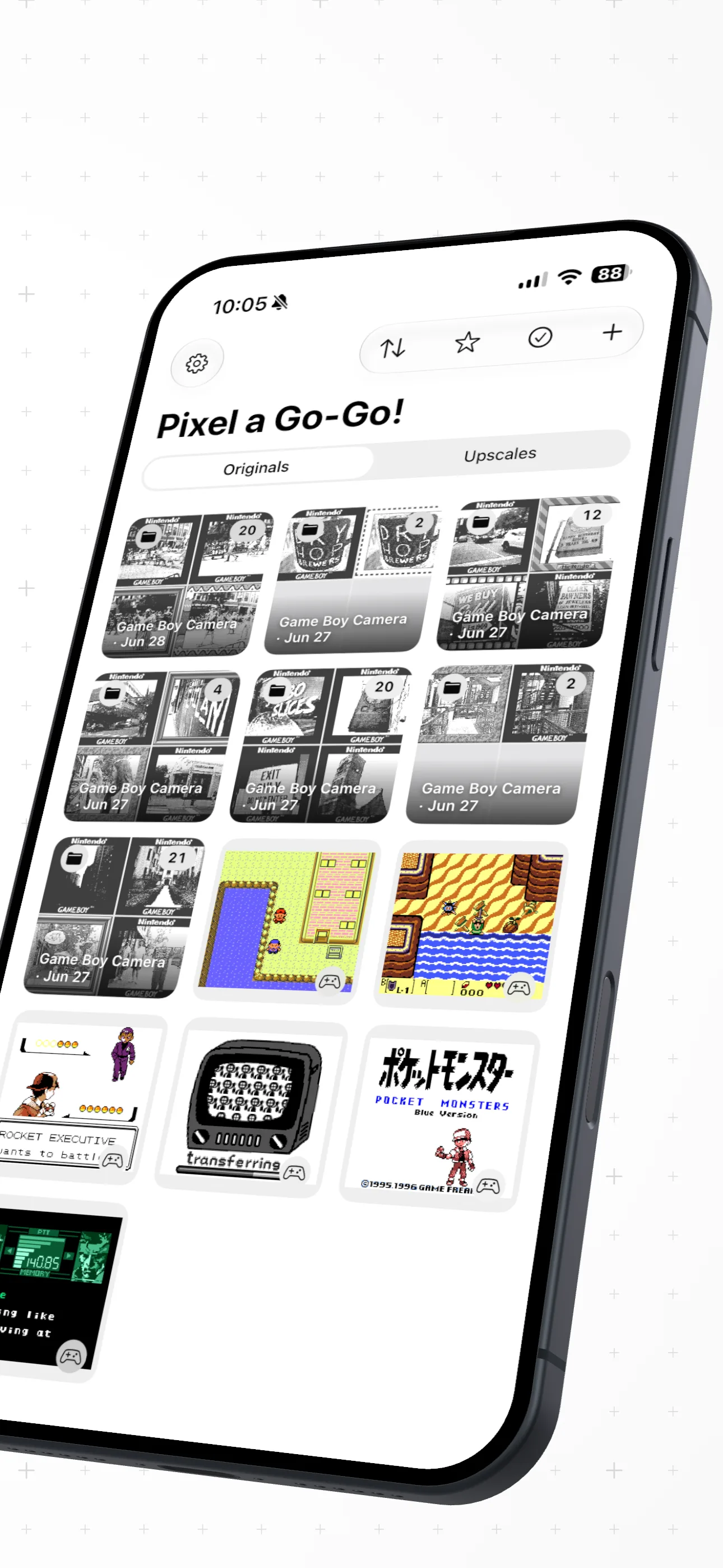
The library grid of imported originals and upscaled screenshots in Pixel a Go-Go!.
Your whole retro library

The cartridge contents

Everything a pixel needs.

🎮

Import from anywhere

Pull captures straight from Analogue Pocket, Nintendo Switch 2, Game Boy Camera, your Photos, or Files.

🔍

Knows your console

Reads each capture's native resolution and auto-tags it — Game Boy, NES, SNES, Genesis, Neo Geo and more.

⬆️

Three ways to upscale

Pixel Perfect nearest-neighbor for true squares, AI Up-Res super-resolution that reimagines detail, and smooth Lanczos resampling — pick the look per image.

🌈

Retro filters & CRT

DMG green, amber phosphor, cyberpunk, rainbow, glow — plus scanline overlays for that cabinet feel.

🖨️

Game Boy Printer

Decode classic Game Boy Printer data and Game Boy Camera shots back into shareable images.

✂️

Background remover

Lift a sprite clean off its scene and drop it onto a transparent canvas in a tap.

💬

iMessage stickers

Turn favorite frames into stickers and pepper them through every group chat.

⚡️

Shortcuts & Share

Upscale from the share sheet or fire it off with Siri and the Shortcuts app — no app-switching.

🔒

Private by design

Every pixel is processed on your device. No uploads, no accounts, nothing leaves your iPhone.
Choose your fighter

Three upscalers, one tap apart.

Free

Pixel Perfect

Nearest-neighbor · true pixel-accurate

Integer scaling only. Every original pixel becomes a clean block — zero blur, zero invention. The honest classic.

Pro

AI Up-Res

Machine-learning super-resolution

A Core ML model trained on illustration art rebuilds edges and shading at 4×. Bigger, smoother, ready to print.

Pro

Lanczos

Smooth high-quality resampling

Classic Lanczos resampling for a softened, photographic enlargement when you want clean curves over hard squares.

Cartridge compatible

It speaks every resolution.

Drop in a capture and Pixel a Go-Go! recognizes the machine it came from.

Game Boy / Color160 × 144
Game Boy Camera128 × 112
Game Boy Advance240 × 160
NES256 × 240
Super Nintendo256 × 224
Genesis / Mega Drive320 × 224
Neo Geo320 × 224
Analogue Pocketmulti-system
Nintendo Switch 2album import

Continue?

Free to play. Pro to flex.

Free

$0

The honest core, forever.

  • Pixel-perfect upscaling
  • Import from every supported system
  • Automatic console detection
  • 5 imports & 2 upscales to try
Start free
Go-Go! Pro

Pro

Unlock it all

Everything in Free, plus the good stuff.

  • Unlimited imports & upscales
  • AI Up-Res super-resolution
  • Lanczos smooth resampling
  • Every retro filter & CRT scanlines
  • Background remover & stickers
Go Pro

Ready, player one?

Pixel a Go-Go! is out now on the App Store. Grab it and start snapping.

Free on iPhone · Go-Go! Pro unlocks everything